Choosing a home internet plan can feel like comparing a hundred nearly identical products. Most providers sell plans on the same NBN, at similar speed tiers, with small differences in price, inclusions and terms. The good news is that a clear process makes the choice much easier. This guide walks through it.
We don't recommend particular providers or plans, and we don't publish prices, which change often. Instead, we explain what to look for and where to find it.
Step 1: Check your address
Start by finding your NBN connection type, which you can do by checking your address on the nbn co website or asking a provider. The connection type affects which speed tiers are available and what equipment you'll need. See NBN connection types.
If you're moving, check the new address, not your current one.
Step 2: Work out what you need
Think about how your household uses the internet, especially at its busiest:
- How many people are online at the same time?
- Do you stream video, and in what quality?
- Does anyone work or study from home, with video calls?
- Does anyone play online games, which are sensitive to delays?
- Do you upload large files, such as photos, videos or backups?
The ACCC's speed labels are a useful guide. Its guidance links busy-period download speeds to typical uses: Basic Evening Speed (under 15 Mbps) for browsing and email, Standard (at least 15 Mbps) for HD streaming plus browsing, Standard Plus (at least 30 Mbps) for 4K streaming plus music, and Premium (at least 60 Mbps) for 4K streaming plus gaming. A busy household doing several of these at once may want a higher tier.
Faster isn't always better value. If nobody in your home needs the extra speed, a lower tier may do the job for less.
Step 3: Compare the right numbers
When you compare plans, look at:
- Typical evening speed (7pm to 11pm), which the ACCC says providers should advertise. This matters more than the tier's maximum. See NBN speeds explained.
- Upload speed, if you make video calls or upload files.
- Minimum total cost, including set-up fees and equipment.
- Ongoing monthly cost, and whether an introductory discount ends.
- Data allowance. Many plans include unlimited data, but check the plan details.
Step 4: Read the Critical Information Summary
The ACMA says telcos must give you a Critical Information Summary for their products and publish it on their websites. It sets out key details in a standard form, so you can compare providers. Read it, and keep a copy. Our guide to the Critical Information Summary explains what's in it.
The ACMA also says providers should publish information such as how they handle complaints, what payment methods they offer, what help is available if you can't pay your bill, and products for people with disability.
Step 5: Understand the terms
Contract or month to month
Many internet plans are month to month, so you can leave without an exit fee. Others have a minimum term, or bundle a modem or other device you pay off over time. If you leave early, you may have to pay the remaining device cost or an early termination charge. The ACMA advises checking your contract and Critical Information Summary to see what applies. See leaving a contract early.
Equipment
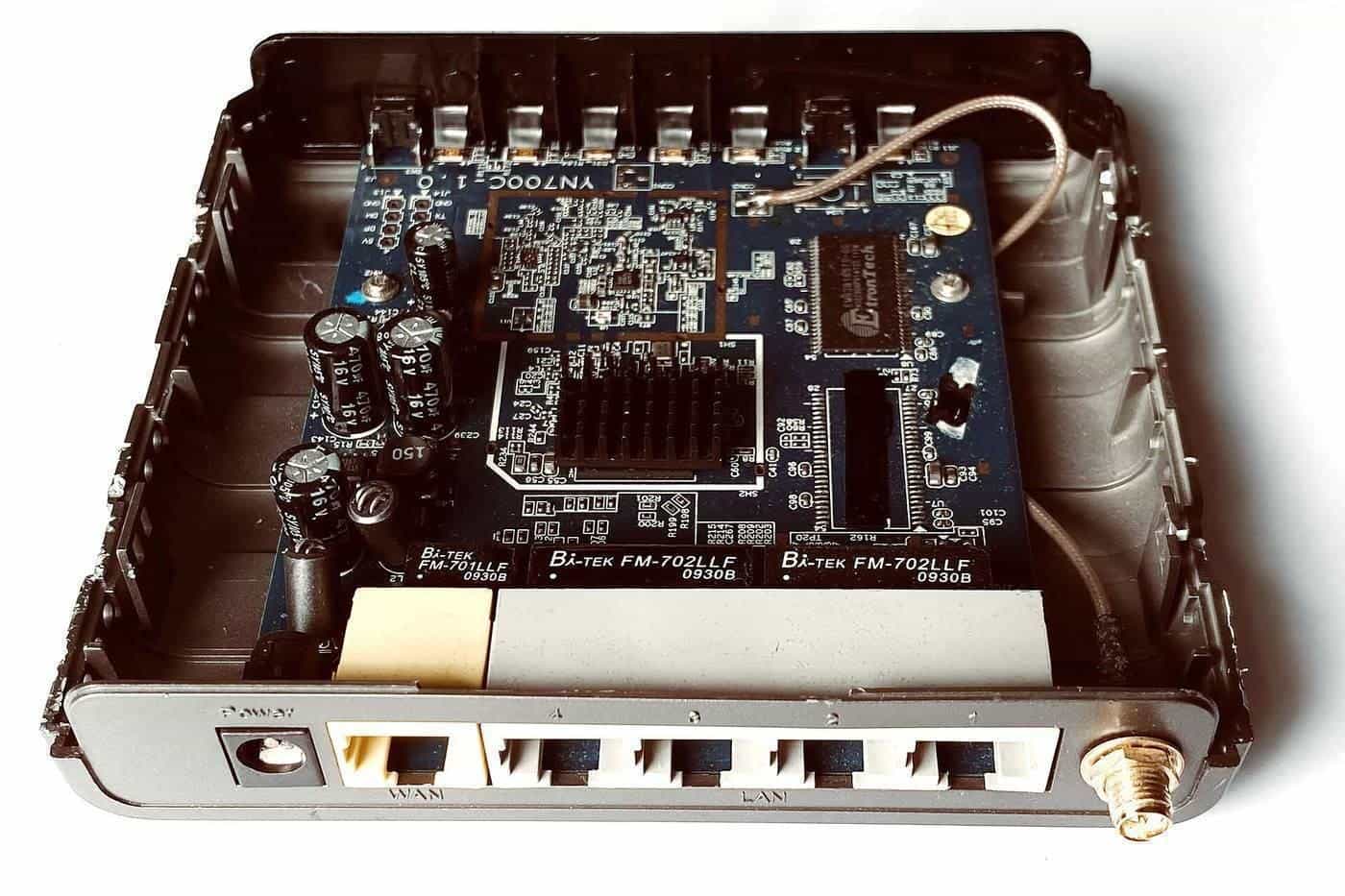
Some plans include a modem; others let you bring your own. If you use your own, make sure it suits your connection type. A provider-supplied modem may be pre-configured, which makes set-up simpler. Ask whether you have to return equipment if you leave.
Extras
Some plans include a home phone service, streaming subscriptions or a backup mobile connection for outages. These can be useful, but they can also make plans harder to compare. Work out whether you'd actually use them.
Step 6: Ask the right questions
Before you sign up, it's worth asking:
- What is the typical evening speed for this plan on my connection type?
- What will I pay in the first month and after any discount ends?
- Is there a minimum term or any exit fee?
- Is equipment included, and what happens to it if I leave?
- When will my service be connected, and what happens to my current service in the meantime?
- Can I keep my home phone number, if I have one? (The ACMA says telcos must tell you before you enter a contract to move a service to the NBN.)
- How do I contact support, and how do you handle complaints?
Write down the answers, or ask for them in writing.
Step 7: After you connect
Once your service is running, test it. Use a device plugged into the modem with a cable, at different times, including 7pm to 11pm. Our speed log helps you keep track. If speeds are well below the typical evening speed, contact your provider. Our guide to testing your internet speed explains how.
Switching providers
If you're not happy, switching is usually straightforward, especially on a month-to-month plan. Your new provider normally arranges the move. Check for exit fees or equipment costs with your current provider first, and avoid cancelling your old service until the new one is ready, unless your new provider tells you otherwise.
Common situations
A few examples show how needs can differ.
A single person or couple who mostly browse and stream. A mid-range plan may be plenty. The ACCC's Standard or Standard Plus labels describe speeds suited to HD and 4K streaming. Paying for a premium tier may add little.
A busy family. Several people streaming, gaming and on video calls at once all share the same connection. A higher tier can reduce the chance of slowdowns in the evening, when everyone is online. A good Wi-Fi setup matters just as much.
Working from home. Reliability and upload speed matter for video calls and sending files. Check the upload figure and ask the provider about support response times. Some people also consider a backup option, such as using a mobile hotspot, for outages.
Renters and people who move often. A month-to-month plan avoids exit fees if you move. Check the connection type at each new address before signing up there.
Regional households. If you're on fixed wireless or satellite, plan options and speeds may differ from those on fixed-line connections. Ask providers specifically about your connection type.
Wi-Fi is part of the plan
Many complaints about slow internet turn out to be Wi-Fi problems. When you choose a plan, think about how the signal will reach every room. Put the router in a central, open spot, away from thick walls and appliances. In larger homes, mesh systems or wired access points can help. A faster plan won't fix a weak Wi-Fi signal in a back bedroom.
A final check before you sign
Before you agree to a plan, confirm your connection type, the typical evening speed for that connection, the minimum cost, any contract term or equipment charges and the expected connection date. Ask how your current service will be handled during the switch, so you aren't left without internet. Save a dated copy of the Critical Information Summary and any written answers the provider gave you.
Key points
- Check your address and connection type first.
- Match the plan to how your household uses the internet at its busiest.
- Compare typical evening speeds, total costs and terms, not just headline prices.
- Read and keep the Critical Information Summary.
- Check for contracts, exit fees and equipment costs before you sign.
Frequently asked questions
What speed do I need?
It depends on how many people use the internet at once and what they do. The ACCC’s speed labels link evening speeds to typical uses, from browsing to 4K streaming and gaming.
What is a Critical Information Summary?
A short standard document that sets out a plan’s key details. The ACMA says telcos must give you one and publish it on their website.
Should I sign a contract?
Many plans are month to month. Contracts or bundled equipment can lock you in or bring exit fees. Read the terms before agreeing.
Can I use my own modem?
Often, yes, if it’s compatible with your connection type. Ask the provider before you buy one.
What should I ask before signing up?
Typical evening speed, minimum cost, contract length, exit costs, equipment, set-up timing and how the provider handles complaints.
Sources and further reading
Facts on this page were checked against these primary and official sources. Conditions change — confirm before you travel or buy.