Home internet is an essential service, but it's often sold in confusing terms. Connection types with acronyms, speed tiers, typical evening speeds, contracts and equipment can make it hard to know what you're buying. The guides in this section explain it in plain language, using official information from nbn co, the ACCC and the ACMA.
The guides in this section
- NBN connection types explained: FTTP, FTTB, FTTC, FTTN, HFC, fixed wireless and satellite, and what each means at home.
- NBN speeds explained: speed tiers, typical evening speed, the ACCC's speed labels and why 7pm to 11pm matters.
- How to choose a home internet plan: working out what you need, comparing plans and the questions to ask.
- How to test your internet speed properly: getting a fair result, keeping a log and raising problems.
The three things that shape your internet
1. Your connection type
Your NBN connection type depends on your address, not your plan. nbn co uses a Multi Technology Mix: fibre all the way to some homes, fibre to a street cabinet or kerbside pit with copper for the last stretch in others, the old pay TV cable network in some areas, and fixed wireless and satellite in regional and remote areas. Your connection type affects your equipment and can limit your top speed.
2. Your plan
Plans are sold in speed tiers. The ACCC's guidance says providers should advertise the typical speed customers get in the busy evening period of 7pm to 11pm, and it offers four labels, from Basic Evening Speed (under 15 Mbps) to Premium Evening Speed (at least 60 Mbps). Compare plans on this number, along with minimum cost, contract terms and equipment.
3. Your home setup
Wi-Fi, old routers, many devices and background downloads can slow things down long before the network does. A device plugged into the modem with a cable gives the fairest picture of your actual service.
Check your speed with our free tool
Our speed log helps you keep a record of speed tests. Enter your plan's typical evening speed and your wired test results, and it shows each result as a percentage of the plan speed, your average in the 7pm to 11pm busy period and how many tests came in below 75% of the plan. Everything stays in your browser.
Your rights
The ACCC says advertised broadband speeds must be accurate and must not create a false impression. Its guidance says providers should tell you about technical issues that limit your maximum speed, and offer a solution if they find out after you've signed up. If you can't resolve a problem with your provider, the Telecommunications Industry Ombudsman offers free, independent dispute resolution. See our rights section.
About the old Telecom Times
This web address was once home to an Australian telco news site that has since lapsed. Telecom Times is now an independent consumer guide with new content. We aren't connected with the previous operator.
Moving house with the NBN
When you move, your internet doesn't automatically come with you. Check the new address's connection type, contact your provider well before moving day and ask how long connection will take. If your new home has a different connection type, you may need different equipment. If you have a home phone number you want to keep, ask about that too; the ACMA says telcos must tell you whether you can keep your number before you enter a contract to move a service to the NBN.
Power outages
Most NBN equipment needs mains power, so internet and home phone services that run over the NBN usually stop in a blackout. Keep a charged mobile phone handy, and check that any medical alarm or security system will keep working.
Terms you'll see
- Speed tier: the maximum speed of a plan.
- Typical evening speed: the speed customers typically get from 7pm to 11pm.
- Busy hours: the evening period when networks are busiest.
- Connection type: the technology that connects your home, such as FTTP or FTTN.
- Modem or router: the equipment that connects your devices to the internet.
Five habits that save money and hassle
- Check before you sign: coverage or connection type, typical evening speed, minimum cost and exit costs.
- Read and keep the Critical Information Summary for every plan you choose.
- Never cancel a service you want to keep the number for until the port is complete.
- Test, record and raise problems early, with evidence such as a wired speed log.
- Treat unexpected calls and texts with suspicion, and check by contacting the organisation yourself.
About these guides
Telecom Times is independent. We aren't a telco, a comparison service, a regulator or an ombudsman, and no provider pays to appear in our guides. We don't publish plan prices or rank providers. We write every guide in our own words and list the official sources we used, such as the ACMA, the ACCC, the Telecommunications Industry Ombudsman, Scamwatch and nbn co. Rules and plans change, so check current details with your provider and the relevant agency.
Where to go next
Our mobile section covers choosing a mobile plan, coverage, keeping your number and the 3G switch-off. Our rights section explains the Critical Information Summary, complaints, scams and leaving a contract early.
Guides in this section
Internet
NBN connection types explained
A plain guide to NBN connection types: FTTP, FTTB, FTTC, FTTN, HFC, fixed wireless and satellite, what each means at home and why it matters.
Read · 6 min
Internet
NBN speeds explained
How NBN speeds are advertised, what typical evening speed means, why 7pm to 11pm matters, and what to do if your speeds fall short.
Read · 5 min
Internet
How to choose a home internet plan
How to choose a home internet plan: working out what you need, reading the plan details, contract terms, equipment, and questions to ask.
Read · 6 min
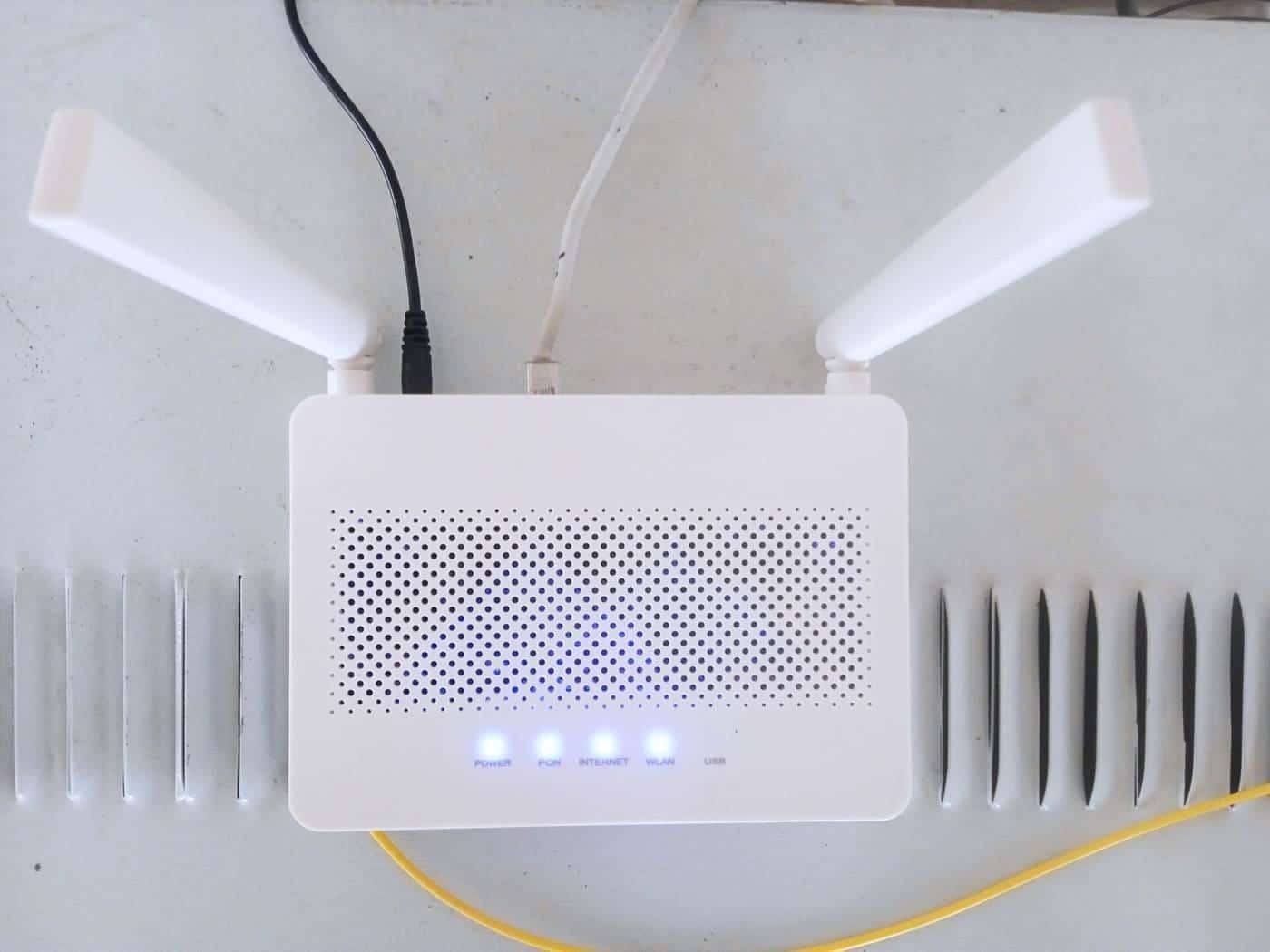
Internet
How to test your internet speed properly
How to get a fair internet speed test: use a cable, test at the right times, rule out Wi-Fi and devices, keep a log and raise it with your provider.
Read · 6 min
Frequently asked questions
Where should I start?
Find your NBN connection type, then read our guide to NBN speeds before comparing plans.
What speed should I compare?
Typical evening speed, the speed a provider says customers typically get from 7pm to 11pm. The ACCC says providers should advertise it.
How do I know if my internet is slow?
Test with a cable at different times, including 7pm to 11pm, and compare the results with your plan’s typical evening speed.
Do you recommend providers?
No. We explain how to compare plans and where to find reliable information. We don’t rank providers or publish prices.
Sources and further reading
Facts on this page were checked against these primary and official sources. Conditions change — confirm before you travel or buy.